The challenge
Budgeting tools often overwhelm users with dense tables, unclear
category views, disconnected account information, and too much
financial detail at once. When that happens, the experience stops
feeling supportive and starts feeling like work, which makes
consistent usage less likely. In finance products, that friction
is especially harmful because users depend on trust, accuracy, and
quick comprehension to make daily money decisions confidently.
The design response
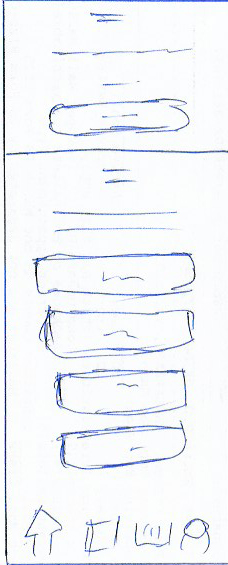
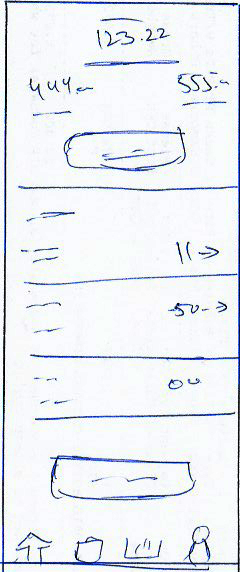
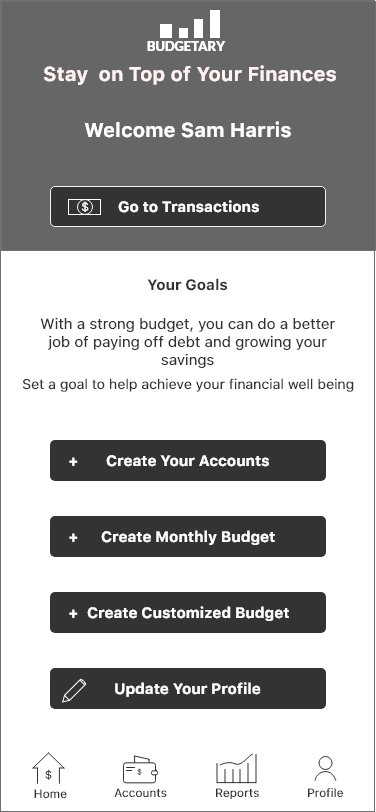
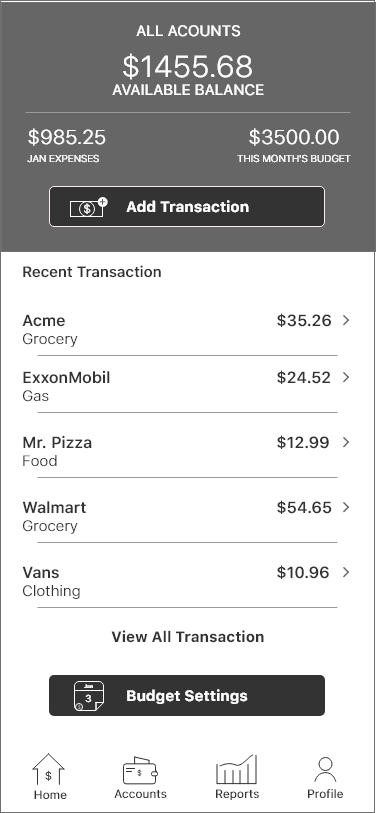
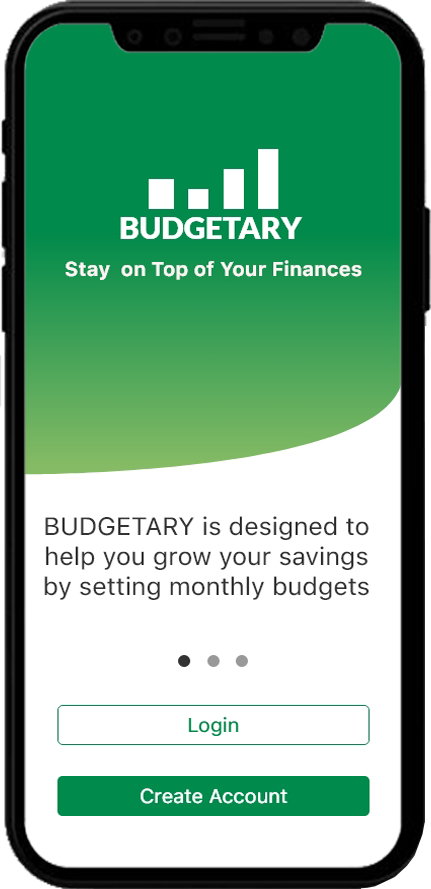
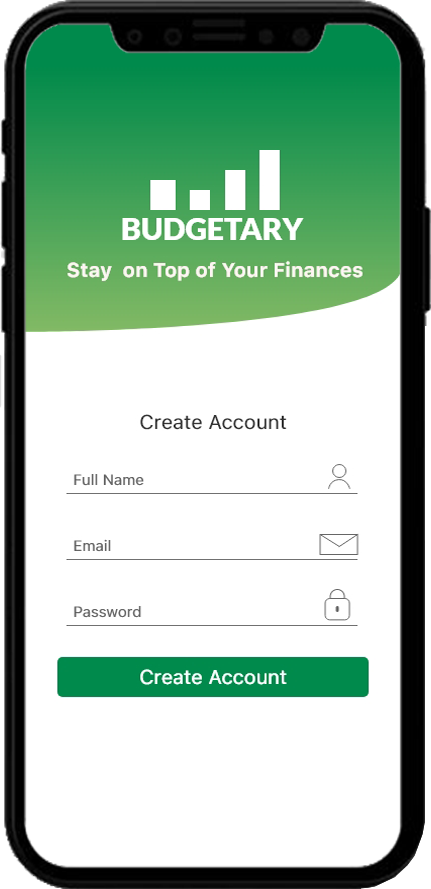
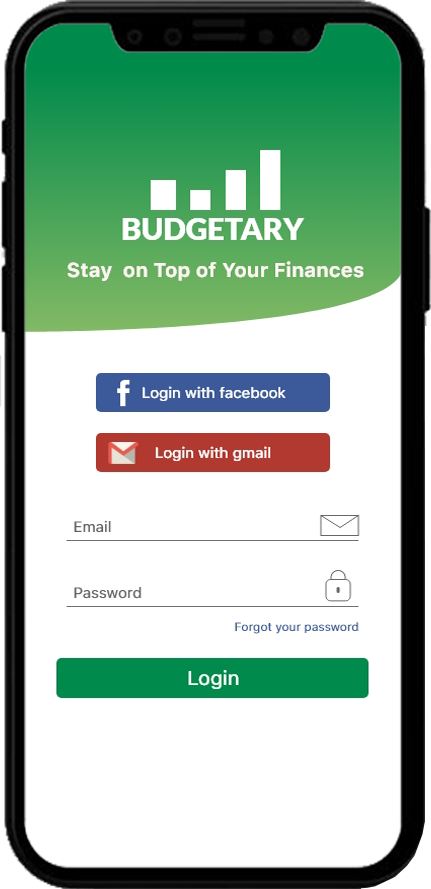
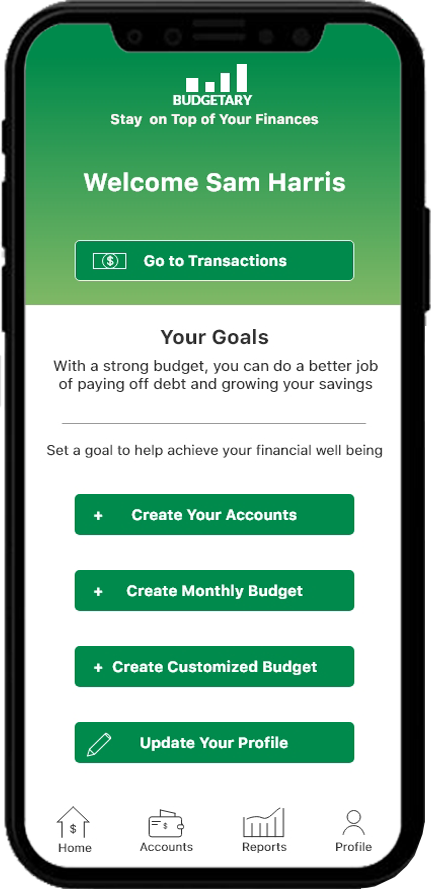
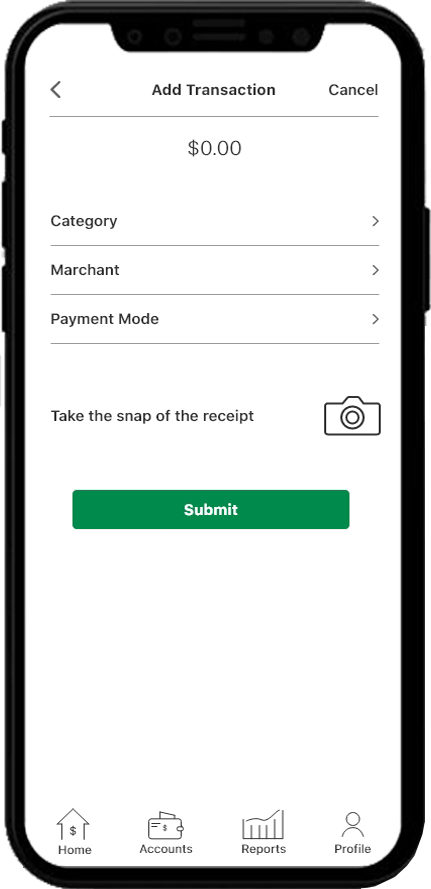
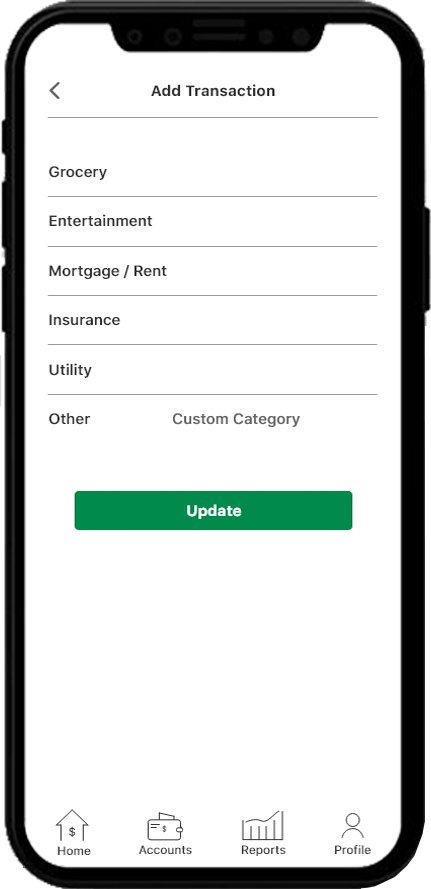
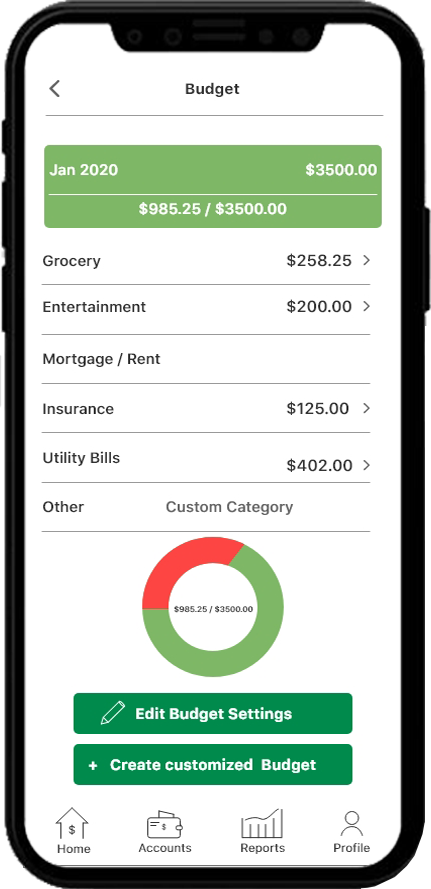
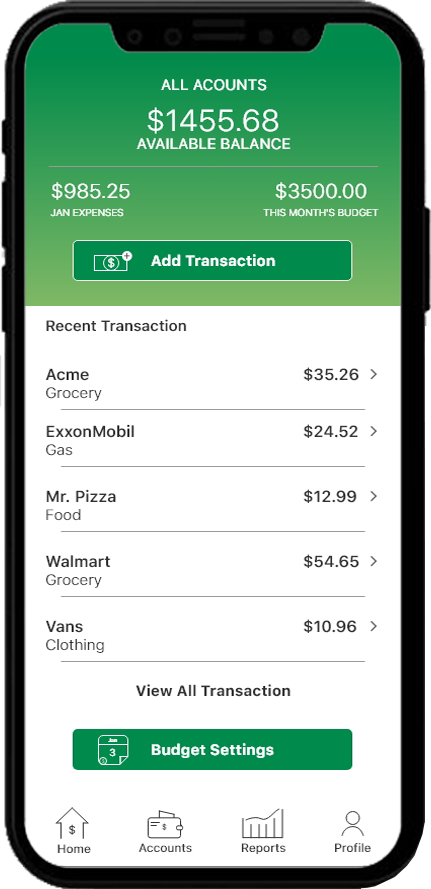
The design focused on creating a lighter content rhythm, stronger
account and category hierarchy, clearer budget status views, and
more explicit action cues so users could understand where they
stand financially without having to decode the interface. The goal
was to make the product feel dependable enough for real financial
tracking while staying approachable for daily use.